







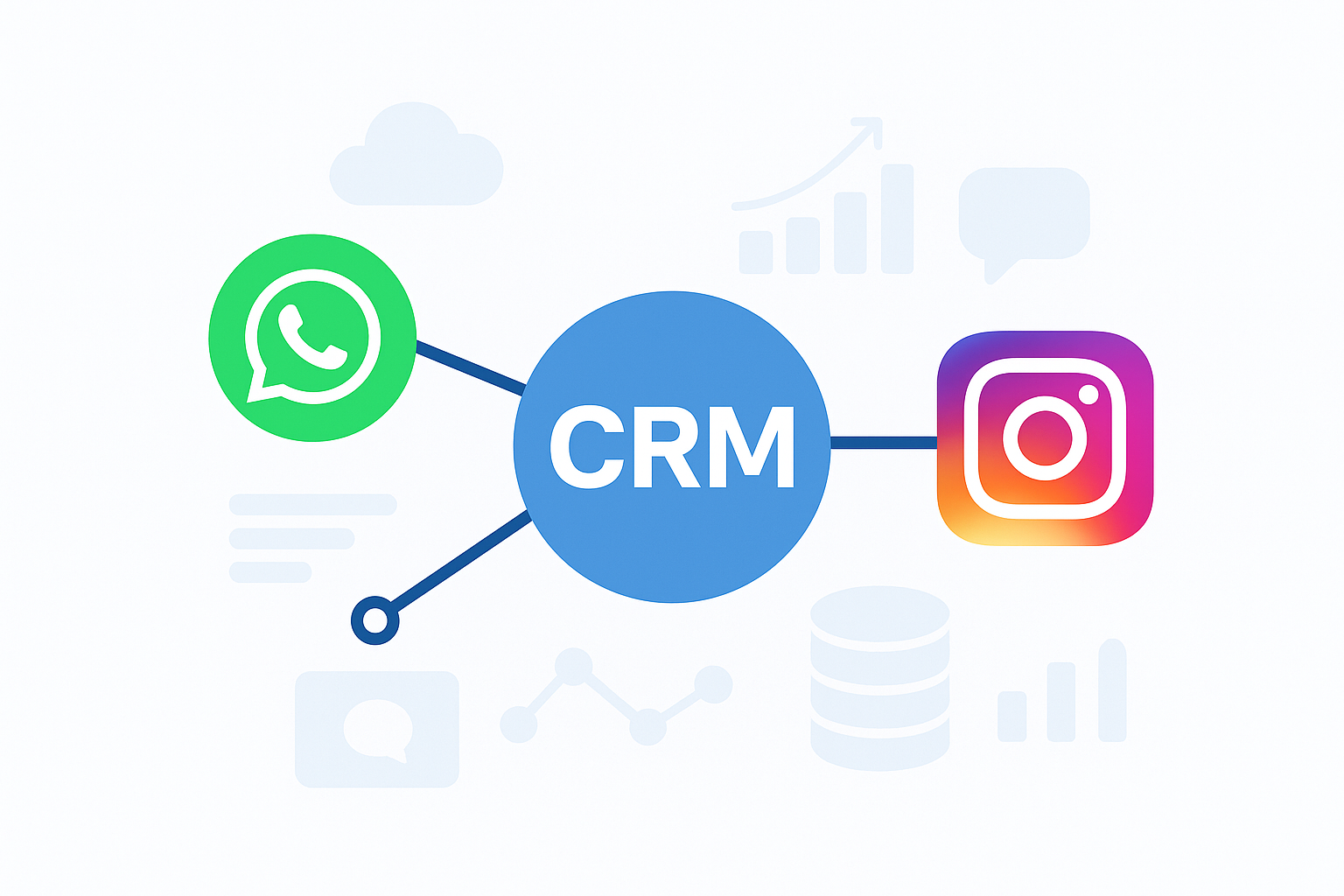
Meta Description:CRM offers businesses valuable insights to strengthen customer relationships. Discover the importance of CRM with WhatsApp and Instagram integration!
Don’t know exactly what CRM means? It’s more important to understand how CRM works and how to integrate it into your business than just learning the word itself. Many businesses today communicate with their customers via digital platforms. But can these systems, when managed correctly, become a powerful CRM tool?
The point here is just What is CRM? It’s not just about finding the answer to the question, but also about how this system allows you to manage customer relationships more effectively, respond more quickly, and increase loyalty. Imagine being able to manage your daily communication via WhatsApp and Instagram from a single center. Now, let’s take a step-by-step look at what CRM is and why it plays such a critical role for businesses.
What is CRM and Why is it Important?
For a business, CRM (Customer Relationship Management) isn’t just a technical system; it’s the cornerstone of customer relationships. CRM centralizes customer data, streamlines communication channels, and gives businesses the opportunity to get to know their customers better. This way, every interaction becomes a step toward building brand credibility and professionalism.
CRM is important because it allows businesses to manage customer data, respond quickly, increase loyalty, and capture sales opportunities. Channels like WhatsApp and Instagram are now central to daily communication. Whether a customer asks for an order or requests product information via Instagram DM, being able to respond instantly makes a difference. This is where CRM comes in, organizing communication and automating the process.
Advantages of Using CRM
- Collects customer information in one place: Thanks to WhatsApp CRM and Instagram CRM integration, all messages are tracked from a single panel.
- Provides quick response: Using CRM allows you to respond to incoming messages and requests instantly.
- Increases loyalty: Thanks to personalized communication, customers feel valued.
- Strengthens sales: CRM integration makes it easier to track leads and increases conversion rates.
- It creates a professional image: Regular and planned customer communication increases the reliability of your brand.
In conclusion, the answer to the question “What is CRM?” isn’t simply “software.” CRM is a strategic tool that improves the customer experience and makes a business’s digital communication more efficient. With WhatsApp CRM and Instagram CRM solutions, businesses can both retain existing customers and increase their growth opportunities by acquiring new ones.
How to Use CRM?
CRM is used to record customer data, streamline communication, track sales opportunities, and increase customer loyalty. Businesses should view CRM not simply as a database but as a management tool that integrates sales, marketing, and customer support.
Key Steps in Using CRM
- Saving customer data
- Centralize communication
- Follow up the sales process
- Setting up automation
- Improving customer experience
Using CRM with WhatsApp and Instagram
Integrating a CRM system into your business processes isn’t just about storing customer information. The real value comes from effectively managing communication across the channels your customers use most, namely WhatsApp and Instagram.
- Using WhatsApp CRM allows businesses to instantly respond to incoming messages, set automatic reminders, and access customer history with a single click. This allows both sales teams and customer support departments to work more efficiently.
- Using Instagram CRM ensures no interactions are lost by transferring DMs and comments to the CRM panel. Sales leads are directly transferred to the CRM, distributing tasks within the team becomes easier, and customer communication becomes more professional.
In short, CRM integration with WhatsApp and Instagram centralizes all customer interactions. This reduces response times, streamlines communication, and helps businesses improve both customer satisfaction and sales performance.
CRM Integration with Instagram (Kommo): Step by Step
Instagram CRM integration it allows you to collect Instagram DMs and comments in a single CRM panel, set up automation, and respond as a team. This reduces response times and standardizes the customer experience.
1) Check the prerequisites
Use a professional account (Business/Creator). These accounts are required for API access and messaging permissions.
2) Connect directly via Kommo (fastest way)
- Follow the steps Kommo → Settings → Integrations → Instagram.
- Click Continue with Instagram, log in with your Business account, and confirm.
- Once the redirect is complete, make sure the connection status in Kommo shows as Active. (The direct connection option doesn’t require a Facebook page.)
3) Alternative: Connect via Facebook
- If you want, connect Instagram to your Facebook Page and authorize it that way; then follow the “Continue with Facebook” step in the Instagram integration in Kommo.
- Add the Instagram account in Facebook business settings, select the relevant page and turn on message access permissions.
4) Manage DMs/comments from a single panel
- Kommo records Instagram Direct messages within your CRM; you can assign conversations, tag them, and set up automation.
5) Automation and “human” tone
- Kommo’s DM and comment automation lets you respond to customers in a natural and genuine way, saving you time and maintaining consistent brand language across all channels.
CRM Integration with WhatsApp in Kommo: Step by Step
WhatsApp CRM integration, brings all WhatsApp conversations to CRM, providing fast responses, templated messages, and automation. For medium/large scales, the WhatsApp Cloud API is recommended.
1) Choose path: Business App or Cloud API?
- Choose Meta’s hosted WhatsApp Cloud API for scalable integration. Meta’s WhatsApp Cloud API eliminates the need to install and manage additional servers.
2) Prepare the meta side
- Add WhatsApp to your app in the Meta Developer panel. Then, generate an access token, define your WhatsApp Business account and phone number. Finally, verify the connection is working by sending a test message.
3) Complete the connection in Kommo
- Follow the WhatsApp integration flow in Kommo, connect the number, and verify it. After connecting, messages will be sent to your CRM inbox. (Flows can be set up visually with Salesbot.)
4) Pay attention to the 24-hour message window
- When a user writes to you, a 24-hour response window opens, during which you can freely reply. If the time period has passed, you’ll need to restart the conversation with an approved template message.
5) Create and approve template messages
- Create a template from WhatsApp Manager; Meta approval is required. Follow the approval rules and editing limits.
6) Check the pricing model
- WhatsApp uses a conversation-based pricing model. Category and time window rules are subject to change, so check Meta’s official documentation for the latest pricing.
7) Automation and team flow
- By activating Salesbot in Kommo, you can select appropriate message templates, add a ‘stop bot’ step if necessary, and easily structure the entire process from start to finish with visual tools.